
Exact audiences
Choose branches and roles, or name the people. Parents receive notices only for children the school has confirmed.
Send a notice to one branch, one role or named people, by in app alert, dashboard banner and email. Chat with families and colleagues, and handle parent concerns from first message to resolution.
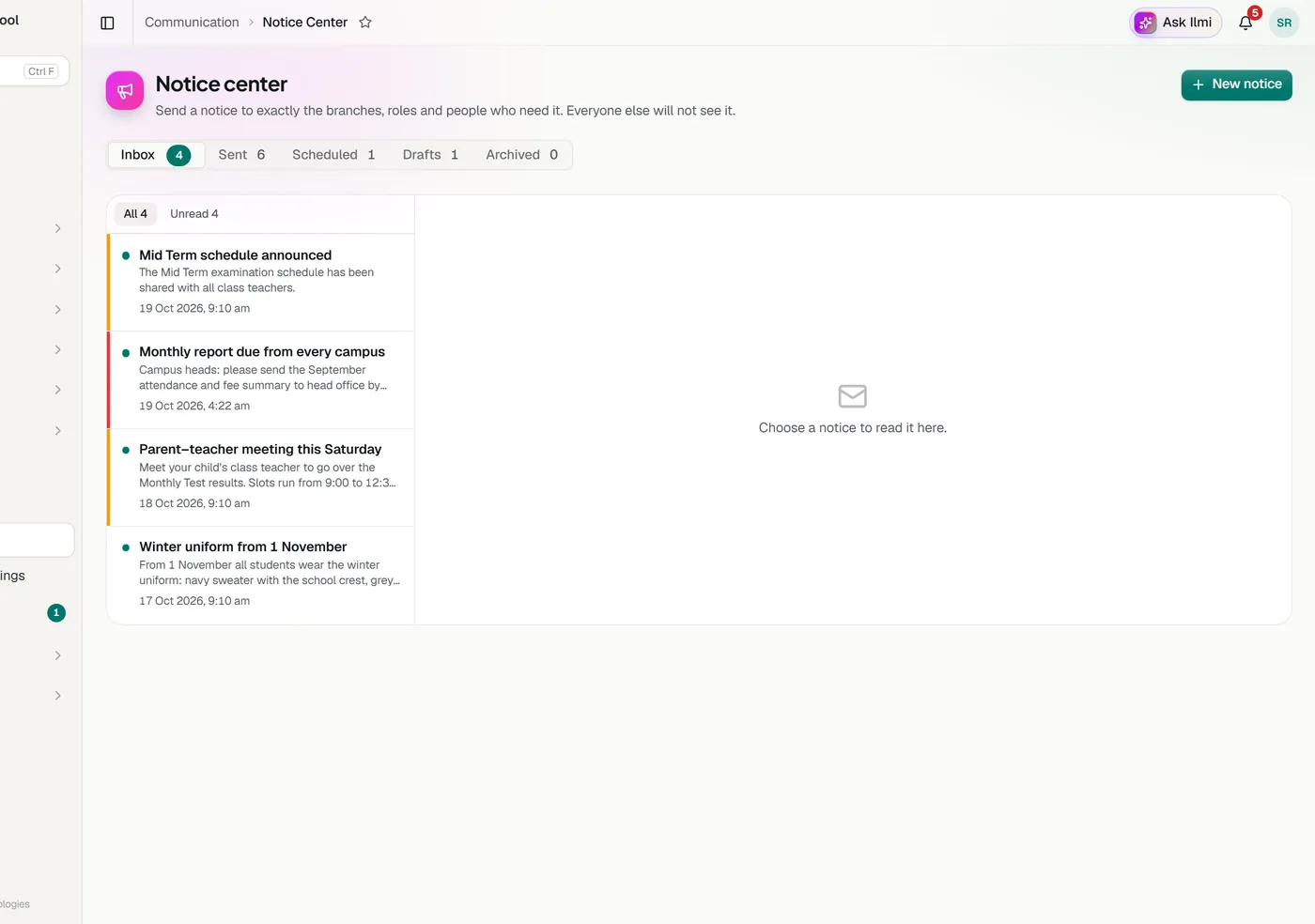
Choose branches and roles, or name the people. Parents receive notices only for children the school has confirmed.
An in app alert always, plus a dashboard banner and email when you want them.
Send now or schedule for later, with an expiry, an event time and a place.
Ask people to acknowledge a notice and see who has read and who has acknowledged.
Normal, important or urgent, so urgent notices stand out.
Emails carry the school’s name and colours and go out automatically within a minute.
Direct chats and groups for class parents, subjects, teachers, a branch or staff, with attachments, search, pinned messages and replies. Parents can message only the staff who serve their child, and never other parents.
Parents raise concerns in the app. Staff assign them, keep internal notes parents never see, and move each one through to resolved. Parents are told when there is a reply or the status changes.
Tell us about your school and we will set up a walkthrough around your own campuses, classes and fees.