
Today
Today’s timetable and the latest notice at a glance.
Parents create an account from their school’s own link and see only their own children: attendance, published results, fees, notices, lesson videos and tests, with alerts on their phone.
Today’s timetable and the latest notice at a glance.
Every day’s mark and the attendance percentage.
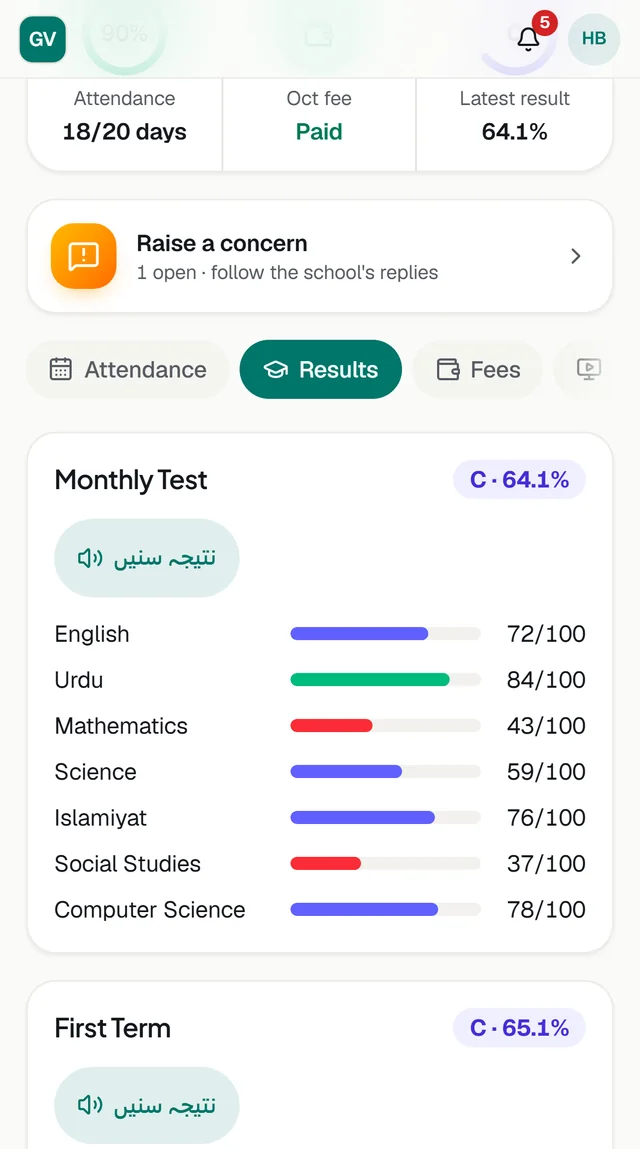
Marks and grades once the school publishes an exam.
This month’s fee breakdown and the recent payments.
Lesson videos shared by teachers, and MCQ tests to take with a timer.
Every notice from the school, and a way to raise a concern and follow it.
Today’s homework on the first screen and the last three weeks in its own tab, with one alert a day.
Book a time with each of the child’s teachers for the parent teacher meeting.
Tell the school the child will be away, so those days are marked as leave, and see the school’s answer.
Each school has its own address, such as yourschool.classwell.co/join.
Enter the child’s roll number and date of birth, or the last four digits of the phone number the school holds.
Your email and a password. If your email matches the school’s records, the link is approved at once.
Install it from the browser on Android or iPhone and get alerts like any app.
Classwell installs from the browser on Android and iPhone, with its own icon and alerts. On iPhone, alerts work once it is added to the home screen.
No. Parents see only the children the school has confirmed as theirs. This is enforced on the server.
The app shows the month’s fee breakdown and your payments. Fees are paid at the school or its bank, as before.
No. One account can follow all your children. Link another child from the app at any time.
Every school gets its own address and the parent app in its own name and colours.