
Teachers post
Choose the class and subject, write the homework and an optional due date. Teachers post only for the classes they teach.
Teachers post the day’s homework in a few lines. Parents see it the same afternoon in the parent app, and the office sees at a glance which classes have nothing posted yet.
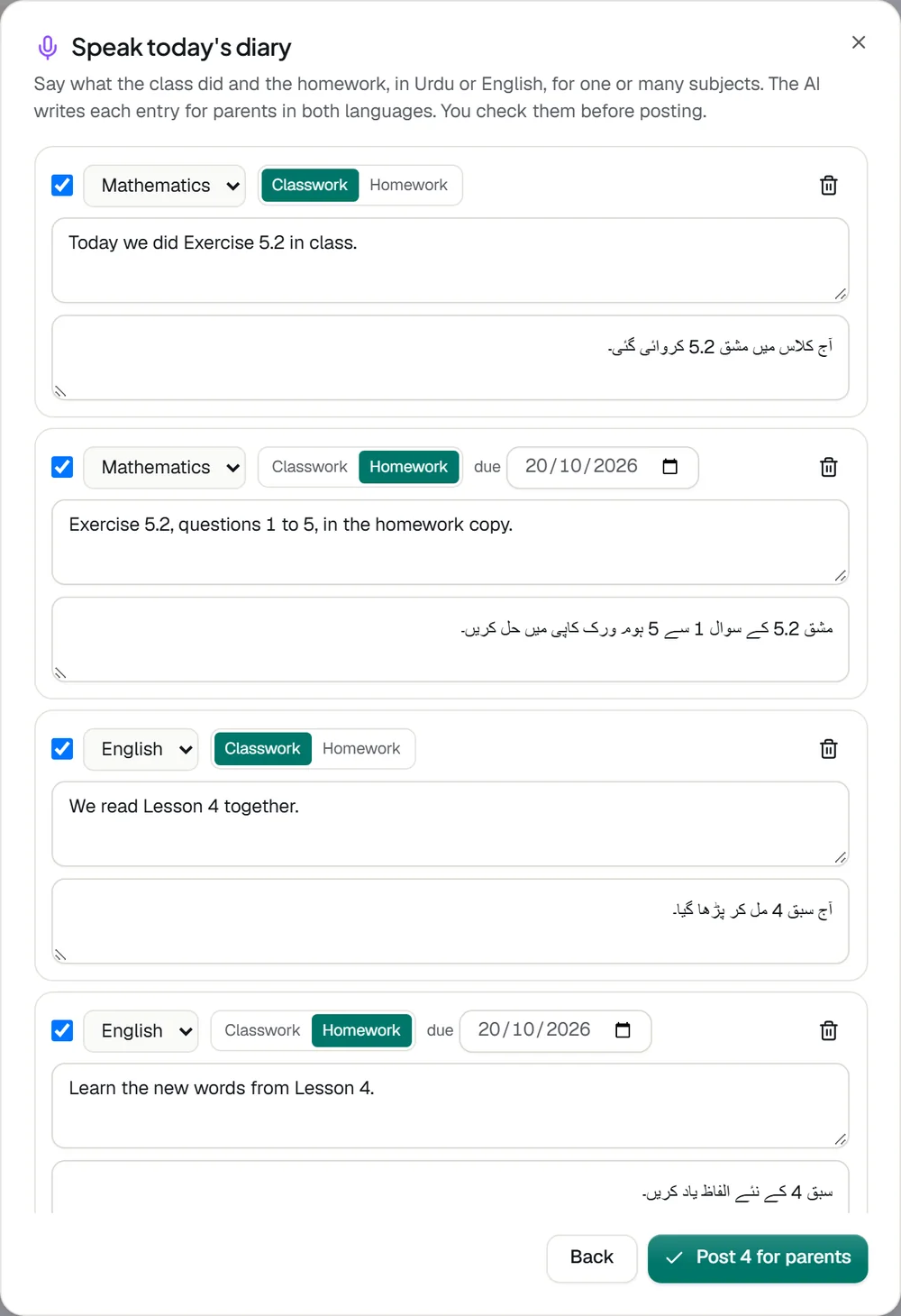
Choose the class and subject, write the homework and an optional due date. Teachers post only for the classes they teach.
Head office and campus heads can post the same homework for every section of a class at once.
Today’s homework on the first screen of the parent app, and the last three weeks in the Homework tab.
Parents get one alert per child per day that grows as more subjects are posted.
The diary page shows every class and section, with the ones that have no homework yet easy to spot.
Teachers can edit or remove their own posts, and campus heads can correct any.
Tell us about your school and we will set up a walkthrough around your own campuses, classes and fees.