
Teachers from the timetable
The teachers shown are the ones who teach the child’s class, with their subjects.
Set the day and the times. Families book a slot with each of their child’s teachers in the parent app, and every teacher walks in with a printed schedule of who is coming and when.
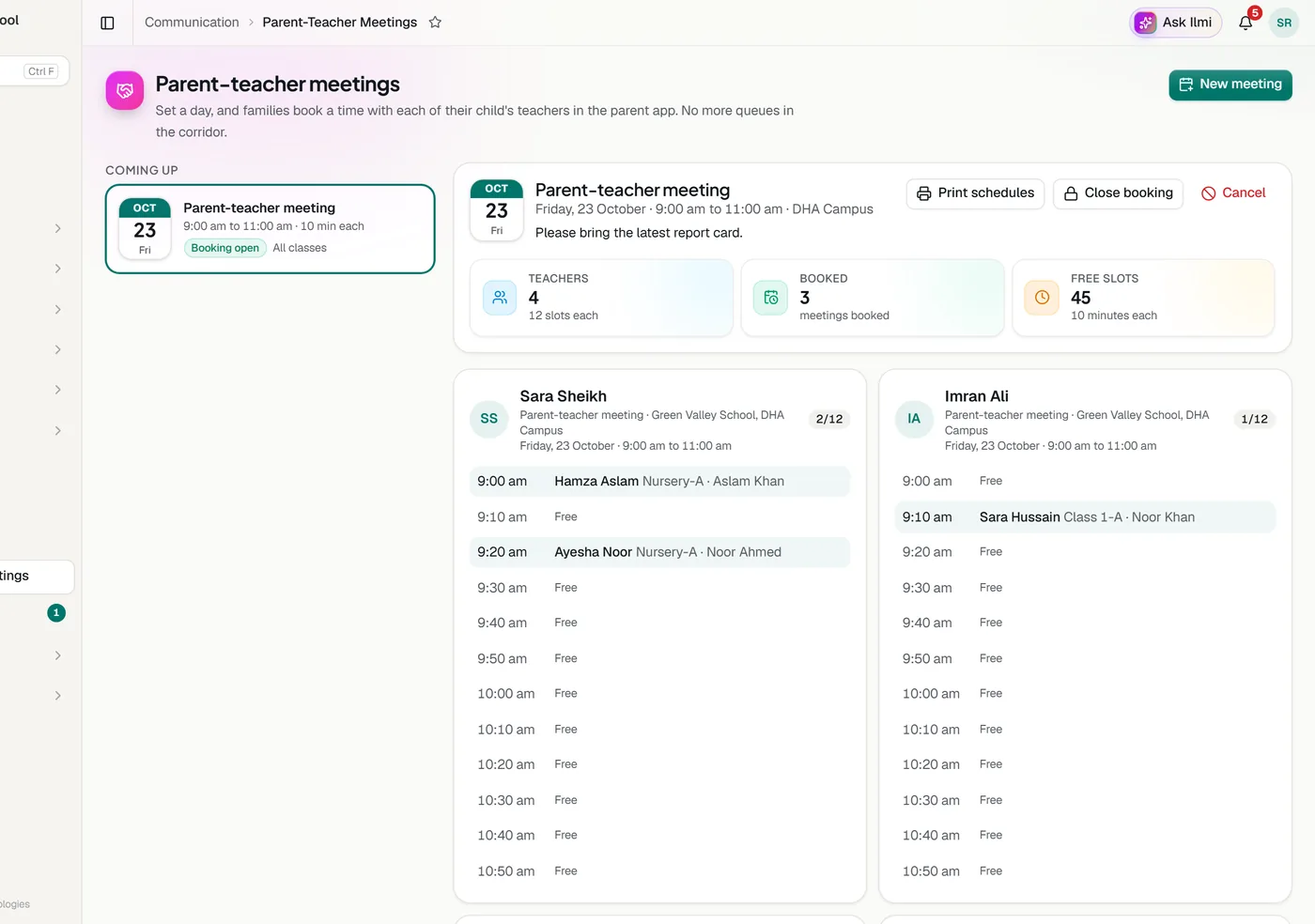
Choose the campus, the day, from and to, the minutes for each meeting and the classes invited.
Parents of those classes get an alert and see a Meetings tab in the app.
Each of the child’s teachers appears with free times. Taken times are greyed out, and a time already booked with another teacher is blocked.
Each teacher’s list of names and times, printed one teacher to a page.
The teachers shown are the ones who teach the child’s class, with their subjects.
A family books one slot with each teacher, and the same slot is never given twice.
Close booking when the day is full. If the meeting is cancelled, families who booked are told.
Each teacher sees only their own bookings. The office sees everyone’s.
Tell us about your school and we will set up a walkthrough around your own campuses, classes and fees.