
A true register
Absences that were really leave are corrected, so attendance percentages and the 75% flag are fair.
When a child will be away, the parent tells the school from the app in a few taps. The class teacher knows at once, the roll call already shows the child on leave, and the family hears back when it is approved.
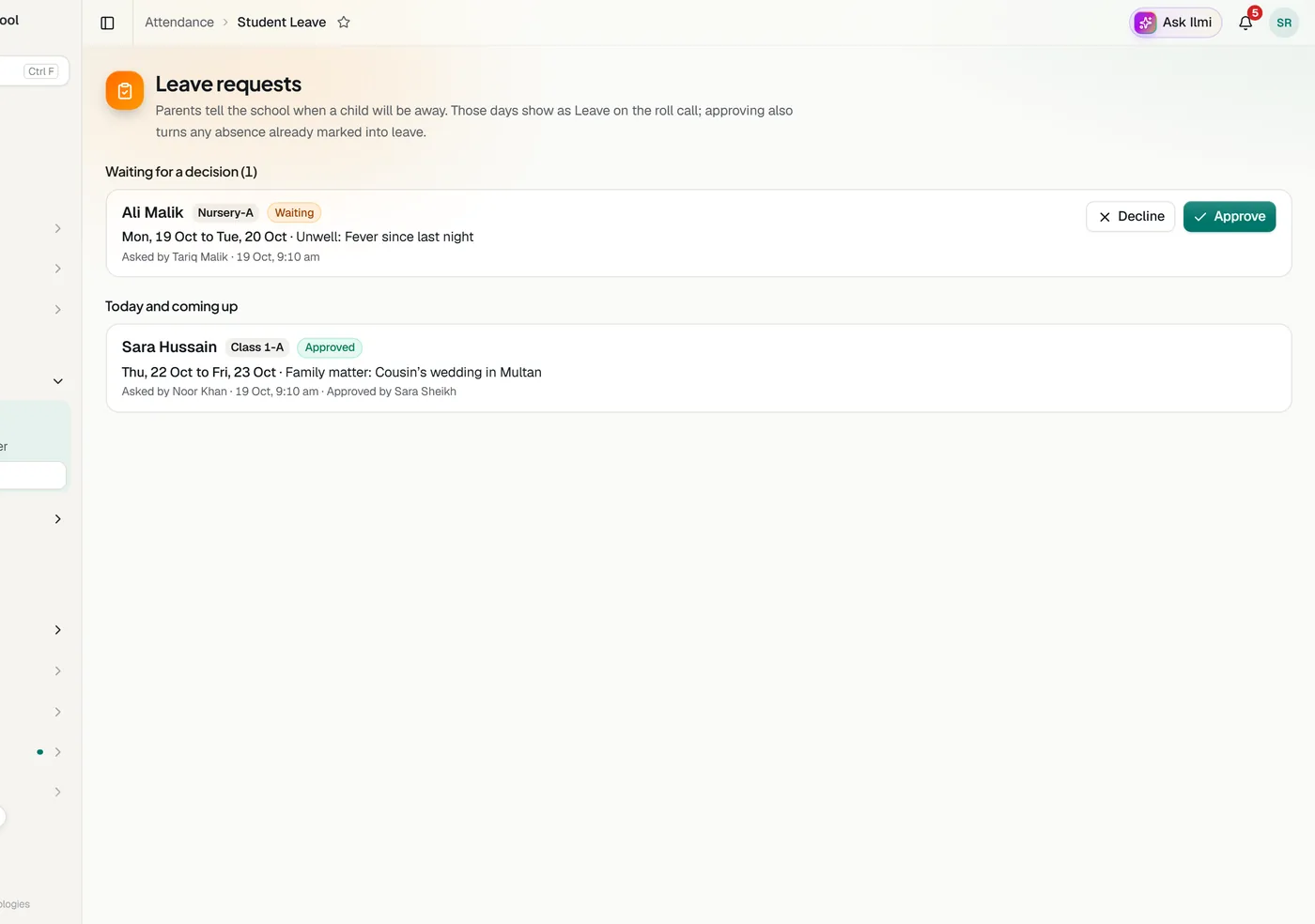
Choose the days, up to a week back and two months ahead, and a reason: unwell, a family matter, travelling or something else with a note.
The child’s class teachers get an alert on their phone, or the campus head when the class has no teacher set yet.
On those days the child starts as Leave with the reason beside the name, so no one is marked absent by mistake.
Approving turns any absence already saved for those days into leave. Declining needs a reason, and the family is told either way.
Absences that were really leave are corrected, so attendance percentages and the 75% flag are fair.
The office no longer has to call home about a child who was away with permission.
Waiting requests and upcoming leave on one page, by campus and class.
Parents see each request as waiting, approved or declined, with the school’s note, and can withdraw one that is still waiting.
Teachers see requests for their own classes, campus heads for their campus, and no school sees another’s.
Every request and decision is kept, with who decided and when.
Tell us about your school and we will set up a walkthrough around your own campuses, classes and fees.