
The messages parents read, ready in one tap
Most parents read WhatsApp first. Classwell writes the message for each family with the right name, numbers and dates, and opens WhatsApp on the school’s phone with it ready to send.
- Fee reminders
- Absence notes
- Results
- Sent from your own number
- Families ticked as you go
Three messages schools send every week
Fee reminders
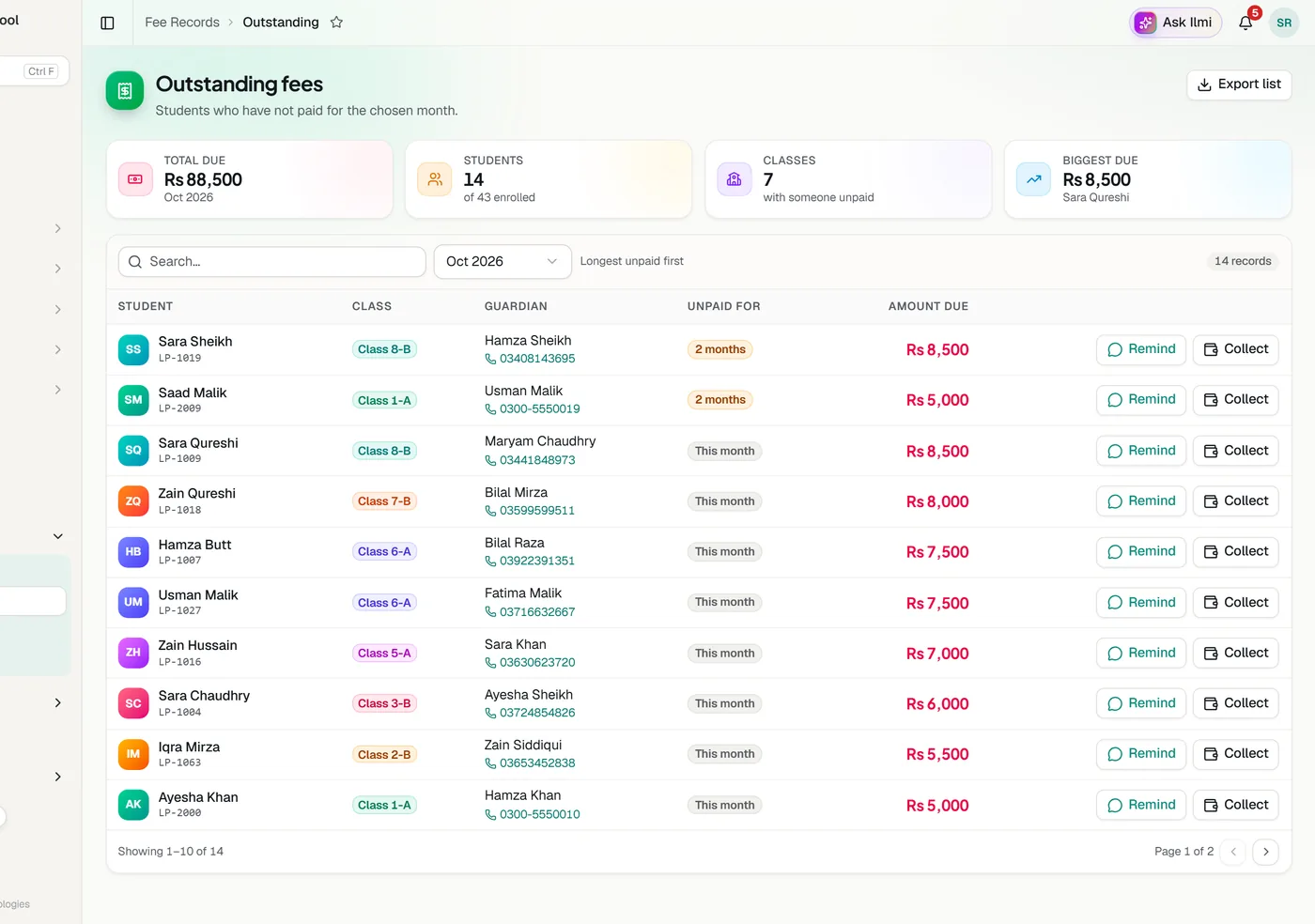
From the Outstanding list: every unpaid month in a row and the total, with a link to the fee record in the parent app.
Absence notes
Right after the roll call is saved, each absent child’s family in one tap.
Results
After results are published, marks, percentage, grade and class position, with the subjects that need more work.
How it works
There is nothing to set up and nothing to pay for. Each message opens in WhatsApp on the phone or computer of the person sending it, already addressed to the parent’s number and already written. They read it and press send. Numbers written as 0300 or 92300 both work.
- The parent’s number from the student’s record
- Results only after the school publishes them
- A tick beside each family already messaged
Related
See Classwell running your school
Tell us about your school and we will set up a walkthrough around your own campuses, classes and fees.