
Quick marking
Present, Absent, Late or Leave. One button marks everyone present, and keyboard keys speed it up further.
Everyone starts present, so teachers change only the absences. The office sees which classes have marked today, and parents see their child’s record in the app.
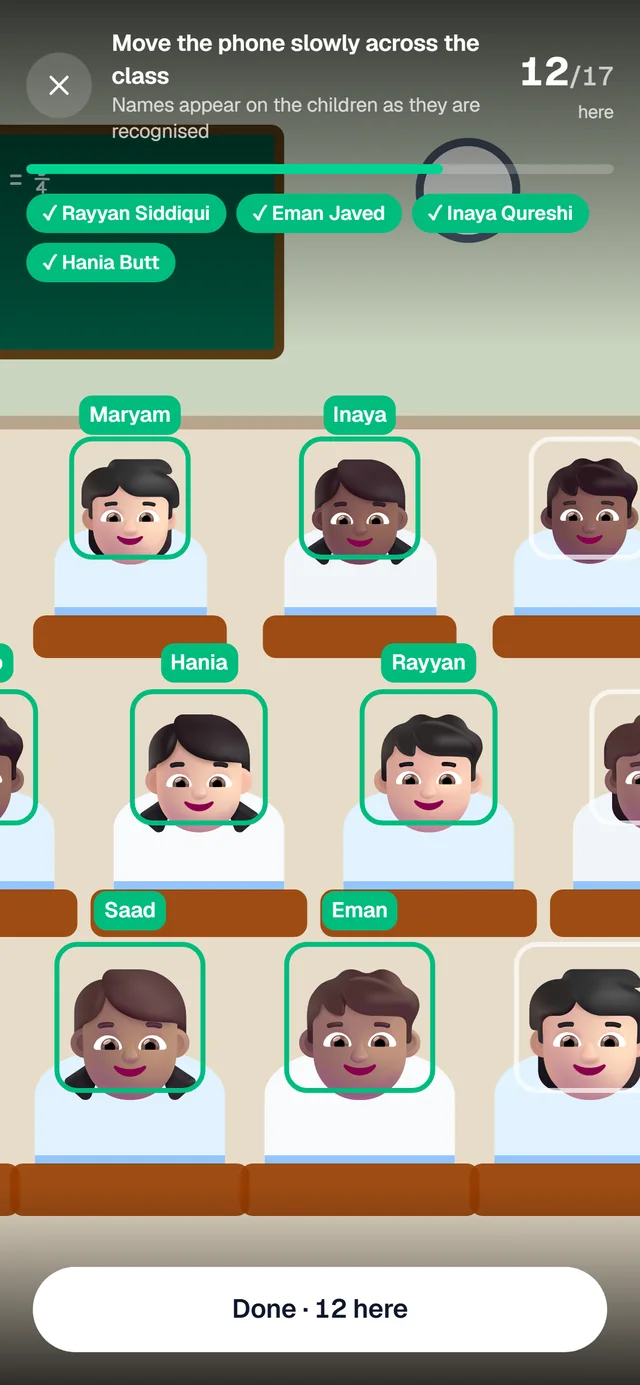
Present, Absent, Late or Leave. One button marks everyone present, and keyboard keys speed it up further.
The office sees which classes have marked today and who is absent.
Percentages for any period and a calendar for a class. Students under 75% are flagged and can be filtered.
Teachers see the classes they teach on the timetable. The database refuses attendance for any other class.
The same four statuses for staff, with approved leave filled in automatically and a monthly register.
An attendance tab and percentage for each child in the parent app.
In the parent app: the days, a reason such as unwell or travelling, and a note. Up to a week back and two months ahead.
The child’s teachers get an alert on their phone, or the campus head when the class has none.
On the roll call those days start as Leave with the reason shown, so the child is not counted absent by mistake.
Approving turns any absence already saved into leave. The family is told either way.
Once the roll call is saved, the absent children are listed with a WhatsApp button beside each. One tap opens WhatsApp with the parent’s number and a polite message ready, sent from the school’s own phone. WhatsApp messages
Tell us about your school and we will set up a walkthrough around your own campuses, classes and fees.