
Guardians
Several guardians per child, one primary. Brothers and sisters can share a guardian. Each guardian can have parent app access or not.
Every application moves through clear stages with its documents and interview in one place. Once enrolled, each child has one record with guardians, attendance, fees, results, documents and a full history.
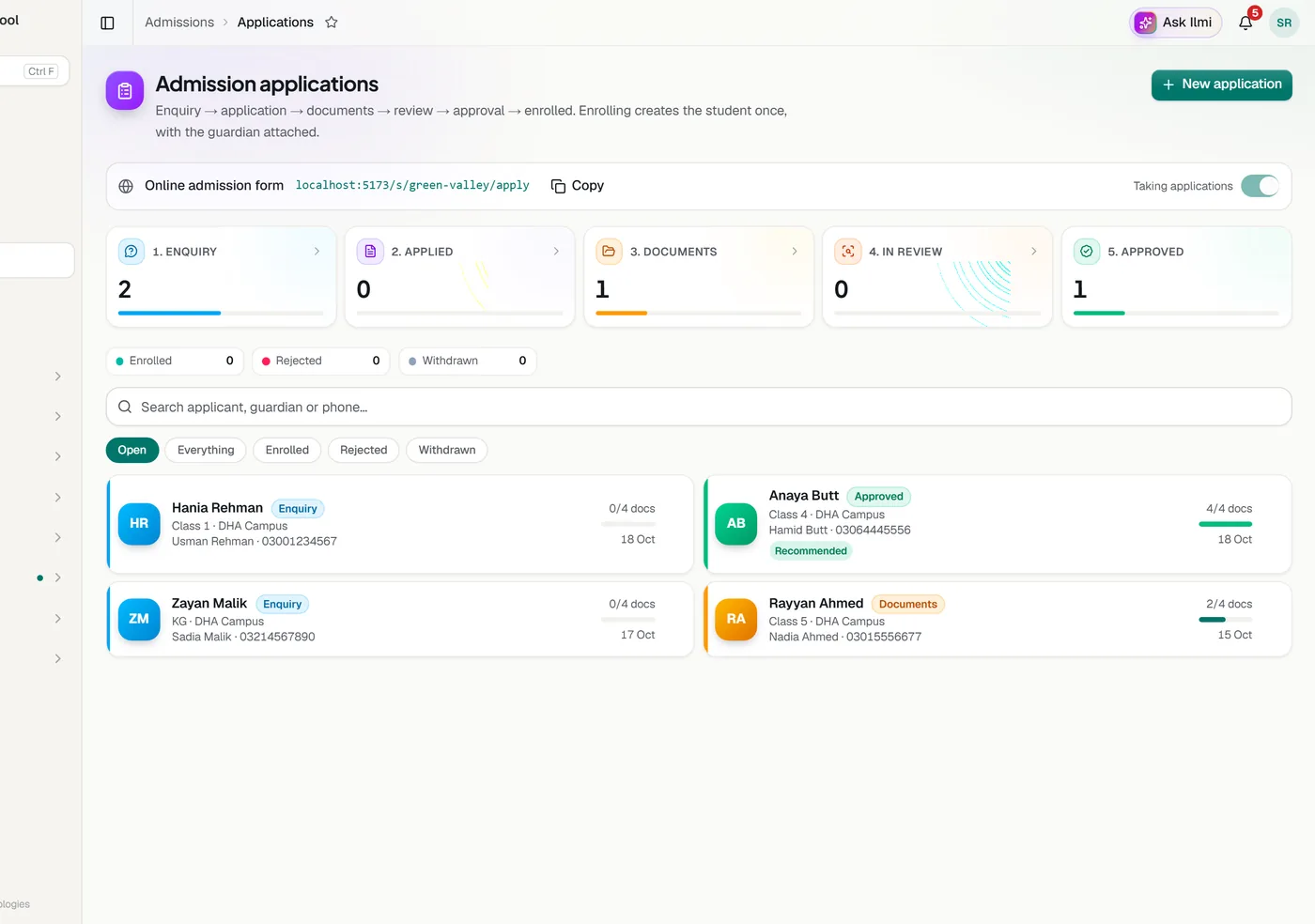
Record the applicant, guardian, branch and class. B Form or CNIC numbers are checked for format.
A checklist of B Form, previous result, guardian CNIC and photos, with scans uploaded to the application.
Note the interview date and outcome. A readiness check shows what is still missing.
An approved application becomes a student once, with the guardian copied across.
Several guardians per child, one primary. Brothers and sisters can share a guardian. Each guardian can have parent app access or not.
A likely existing child is flagged when the B Form matches, or the name matches with the date of birth or guardian phone.
Suggested by continuing your own pattern, such as LP 1043, and always unique.
PDF and image files up to 10 MB, stored privately and opened through short lived links.
Move a whole class to the next year. Each student is promoted, repeats or graduates.
Transfer between branches with the same record. A leaving student gets an Excel handover file.
Import students and staff from a CSV file using the template. You see every row before anything is saved. Rows with problems or likely duplicates are skipped and can be downloaded to fix. Existing records are never overwritten.
Every school gets an admission form on its own address, such as yourschool.classwell.co/apply. Families fill in the child’s and guardian’s details, attach the B Form, a photo and the last result, and get a reference number. The application arrives in Admissions marked Online, and the admissions team is alerted. Online admission form
Tell us about your school and we will set up a walkthrough around your own campuses, classes and fees.