
Easy on a phone
Numbered steps, a progress bar and a send button that stays in reach. Most families finish in about five minutes.
Share one link on WhatsApp, Facebook or your website. Families fill in the form on the school’s own address, attach the documents and get a reference number, and your admissions team takes it from there.
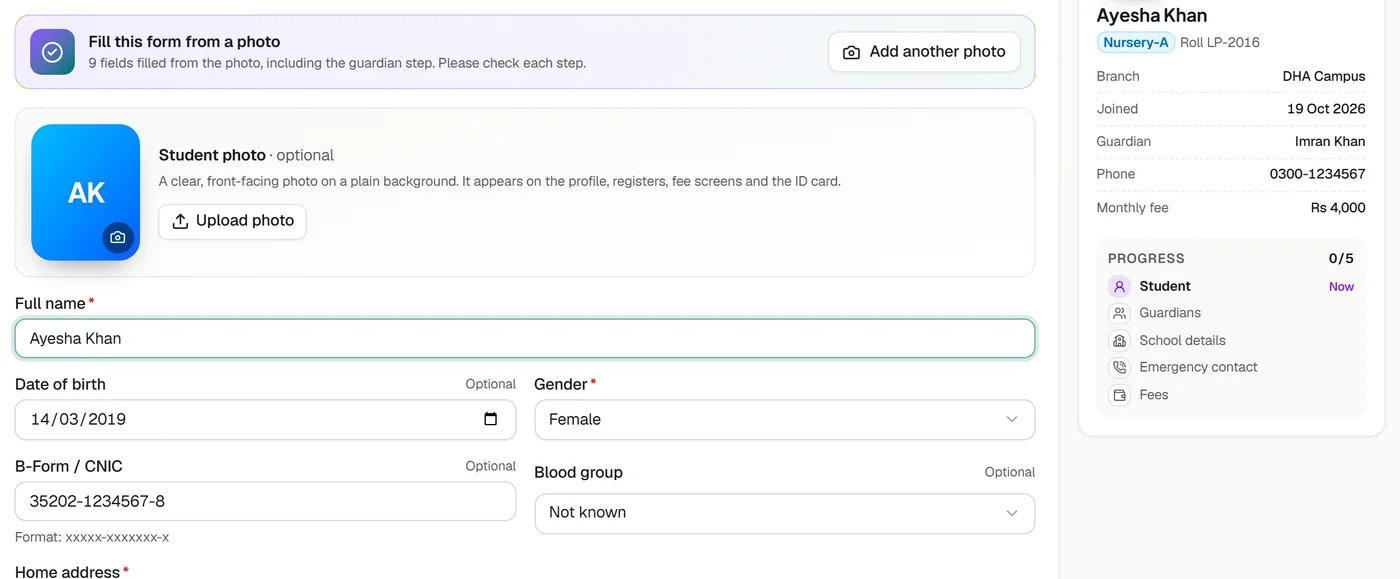
Each school has its form at yourschool.classwell.co/apply. Copy it from Admissions and share it anywhere.
The child’s name, date of birth, class and campus, the guardian’s details, and the B Form, a photo and the last result if they have them.
The application appears as Applied, marked Online, with the files attached, and the admissions team gets an alert.
Take the application through documents, interview and approval as usual, then enrol the child in one step.
Numbered steps, a progress bar and a send button that stays in reach. Most families finish in about five minutes.
Your logo, colours, campuses and the admissions office phone number beside the form.
Every family gets a reference to quote when they call, and the school sees the same reference.
Photos or PDFs of the B Form, child’s photo and last result. Families can also bring them later.
The form checks the class, campus, phone number and date of birth before anything is saved. Repeated applications from one connection or one phone number are limited, files are checked by their contents, and automated spam is caught without a puzzle for real families.
Tell us about your school and we will set up a walkthrough around your own campuses, classes and fees.