
Periods and breaks
Define the school day once, with breaks, and every timetable follows it.
Set the subject, teacher and room for each period. Classwell stops a teacher or a room being booked twice at the same time, and every teacher sees their own week.
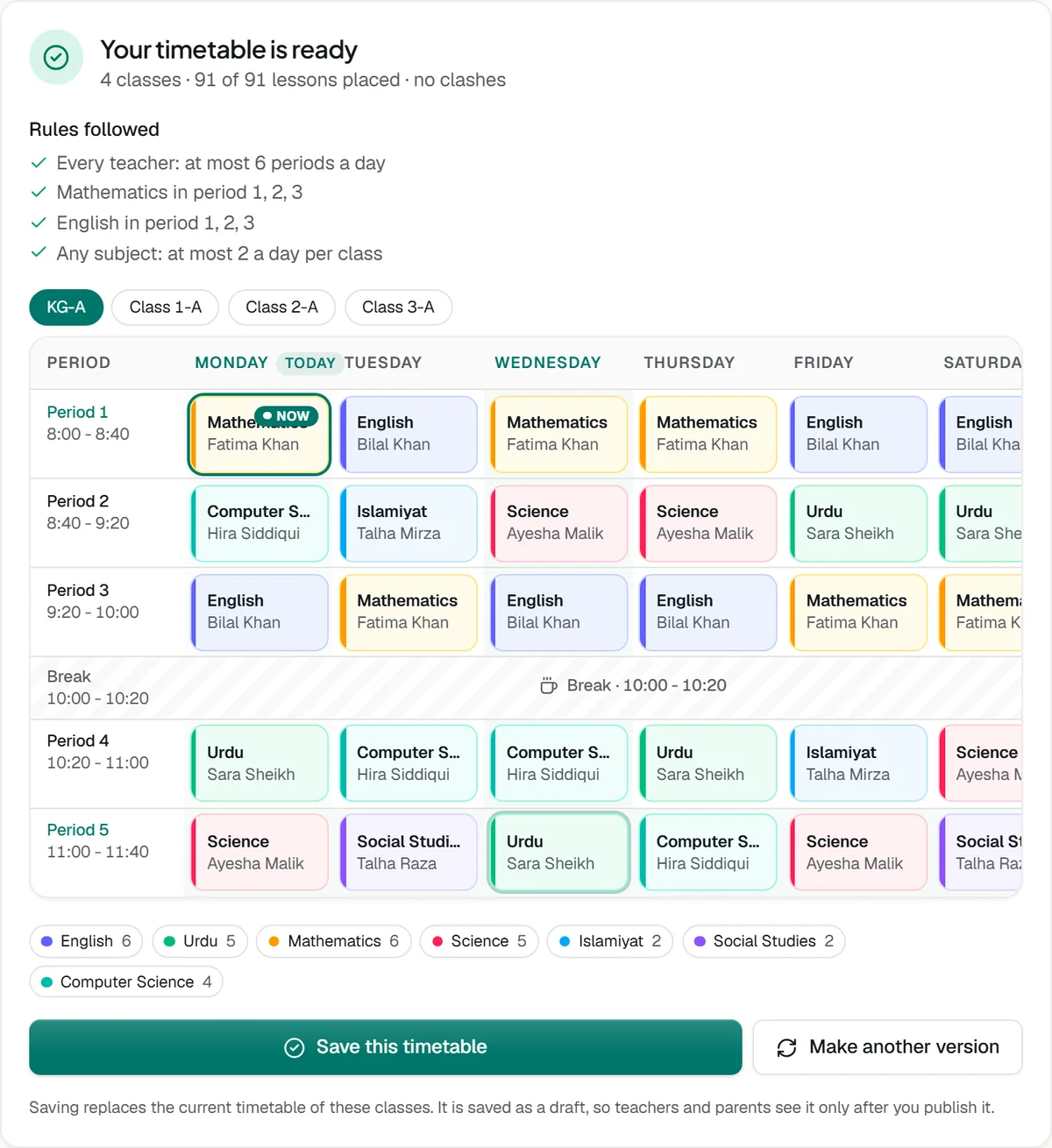
Define the school day once, with breaks, and every timetable follows it.
Subject, teacher and room for each period, copied from another class to save time.
A teacher or room booked twice is refused when you save, and a clashes page lists any left.
Each teacher sees their own week. Rooms have their own view too.
Draft a template, publish it, and apply it to branches and classes.
Teaching assignments come from the timetable, which also decides which classes a teacher can mark.
Tell us about your school and we will set up a walkthrough around your own campuses, classes and fees.