
Chart of accounts
A standard chart for a school in Pakistan, with each campus’s own cash and bank accounts.
Fees, expenses and salaries go into a proper chart of accounts by themselves, campus by campus, every day. The accountant checks, approves vouchers and closes the year, instead of typing everything twice.
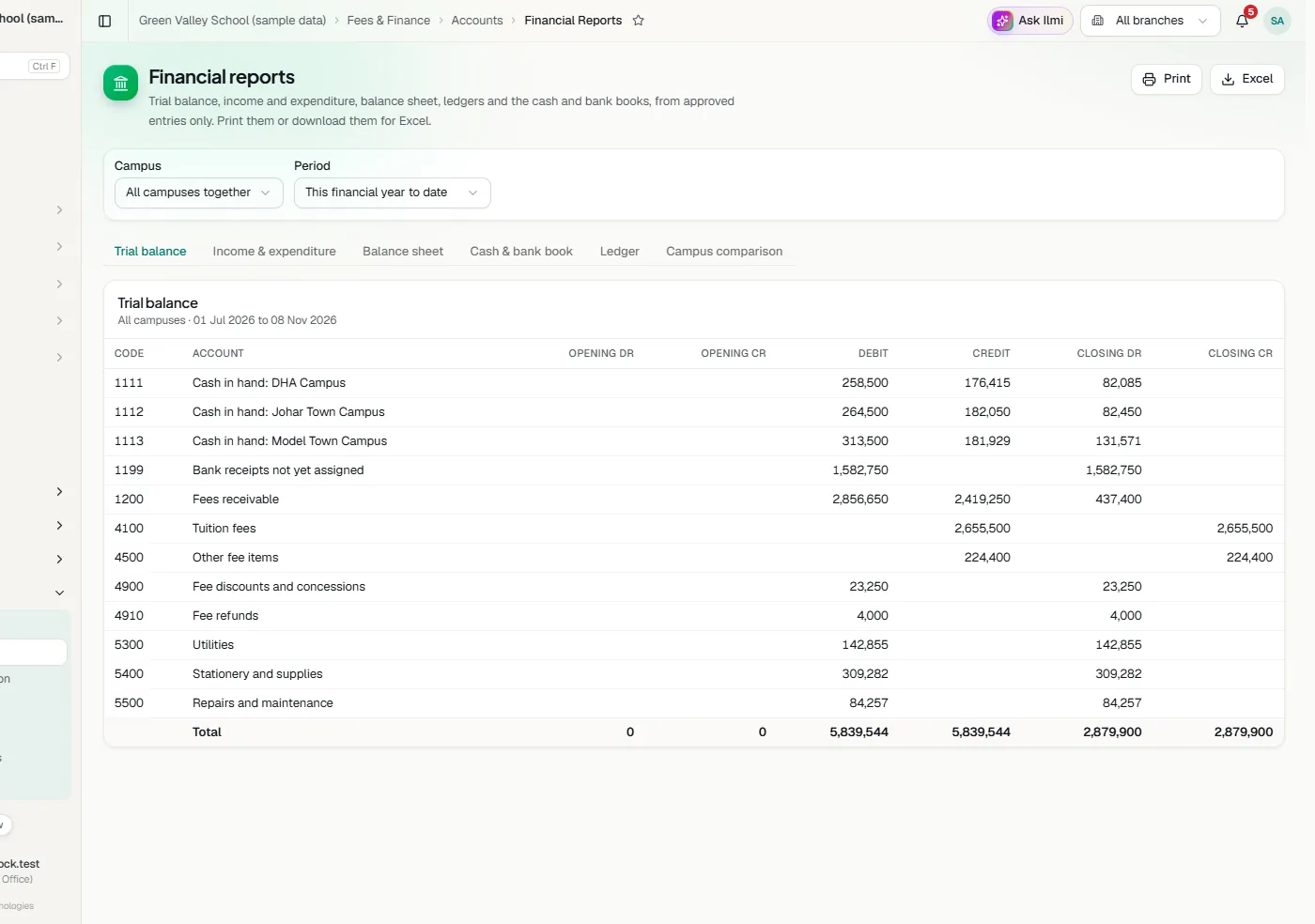
A standard chart for a school in Pakistan, with each campus’s own cash and bank accounts.
Fee dues, receipts, expenses, refunds, advances and salaries post themselves, every day.
Receipts, payments and journals written at a campus and approved by Head Office.
Trial balance, income and expenditure, balance sheet, ledgers, and cash and bank books.
The bank’s statement in Excel or CSV, matched line by line to the books.
Received and issued, post dated ones too, until they clear or bounce.
Who the school buys from, each bill, what is owed and what has been paid.
Each campus’s top ups, what is spent from it and the balance in hand.
A yearly budget per campus and category, and a fee target, against what really happens.
Furniture, computers, vehicles and buildings, where each is, and yearly depreciation.
Closing entries for every year, old years too, confirmed by staff and closed by Head Office.
Start from your existing books: each campus’s opening balances and students’ old dues.
At the end of the day each campus counts its cash note by note. Classwell makes the reconciliation voucher: the fees by how they were paid, then the school’s own charges such as royalty or Zakat, the day’s cash expenses, and what goes to the bank. The cash counted is checked against the cash to deposit.
When Head Office marks the closing received, it goes into the books by itself and can no longer be changed.
Tell us about your school and we will set up a walkthrough around your own campuses, classes and fees.