
Attendance
Students and staff, marked as usual.
Load shedding, a weak signal, a router that gives up: Classwell keeps working on the computers and phones it has been used on, and saves everything by itself when the connection is back.
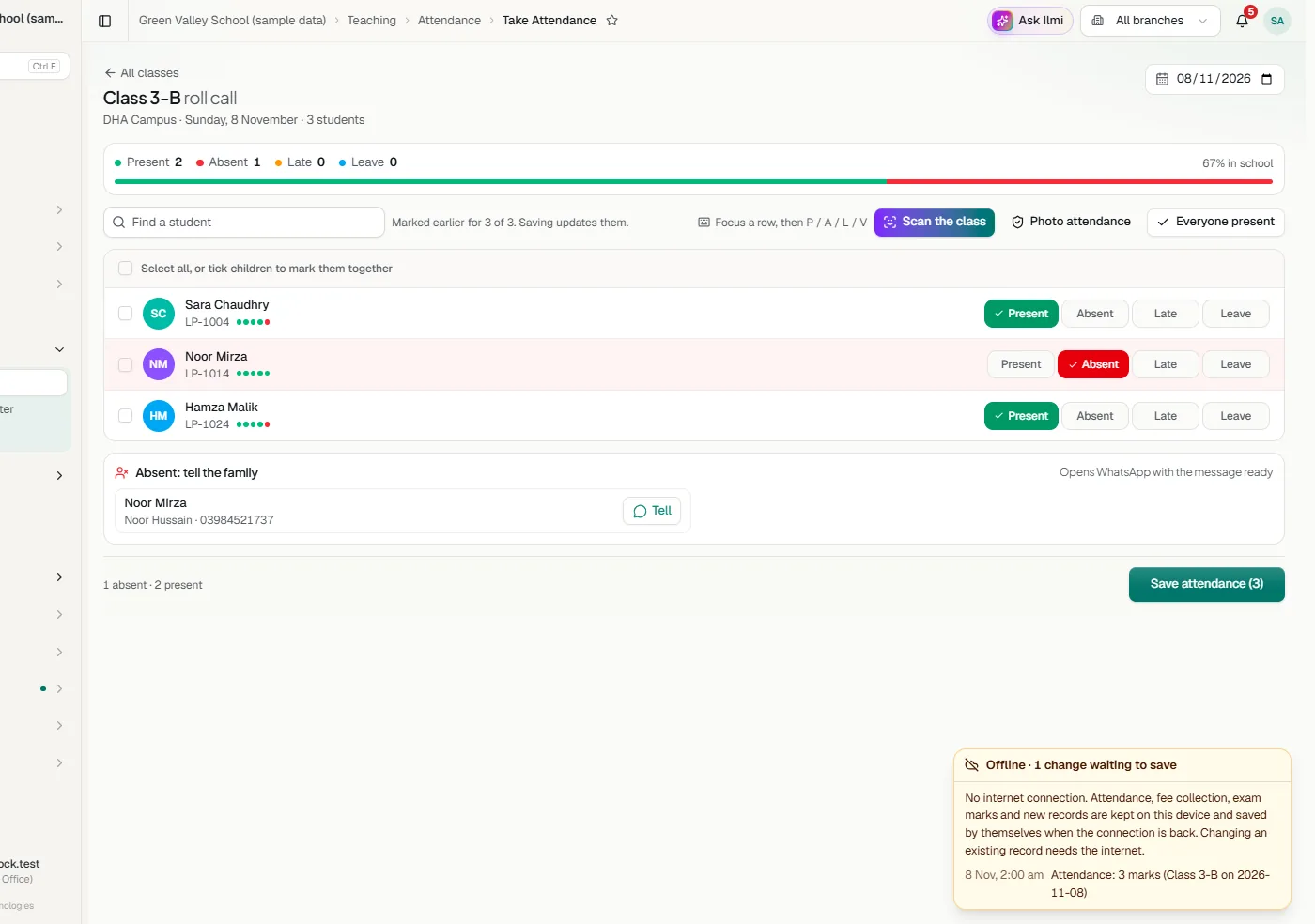
Students and staff, marked as usual.
Payments recorded and receipted as usual.
Marks entered class by class.
A new student, or any other new record.
Sign in on the computer or phone. Classwell keeps a copy of the app and your school on it.
A bar shows that you are offline and how many changes are waiting to save.
When the connection is back, the waiting changes are saved in order. Anything that cannot be saved is shown, never lost quietly.
Its own window and a shortcut on the desktop. It opens straight to your school, keeps you signed in and works offline. Always the latest Classwell, with nothing to update. Download for Windows
On phones and tablets, open Classwell in the browser and add it to the home screen.
Yes, on a computer or phone where it has been opened before with internet. Attendance, fee collection, exam marks and new records are saved on the device and sent when the connection is back.
Signing in on a new device, and changing or removing a record that is already saved, such as a fee or a student’s details. Someone at another campus may be changing the same record, so this waits for the connection and two people never overwrite each other’s work.
Yes, Classwell for Windows. Download it here, or use Classwell in any browser.
Tell us about your school and we will set up a walkthrough around your own campuses, classes and fees.